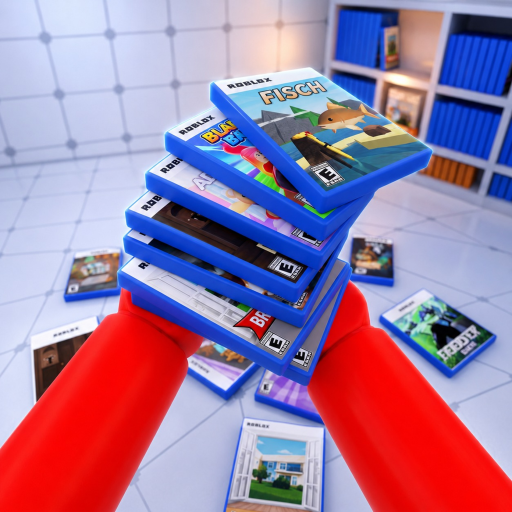
Mobile status
Mobile controls are not listed
The official Roblox description names PC and console controls only. Use the visible touch UI in your game session and avoid guides that present an unlisted mobile layout as official.
PC: Left Click picks up or places, Q drops, and Mouse Wheel cycles held cases. Console: use RT, B, and LT respectively.
PC: Left Click picks up or places, Q drops, and Mouse Wheel cycles held cases. Console: use RT, B, and LT respectively.
If a case will not place, check the selected case and shelf label before trying the pickup/place input again.
Do not confuse the drop button with the cycle button. Mobile buttons are not listed in the official description; follow the touch controls shown in your session.
Left Click handles pickup/place on PC; RT does the same on console. Drop and cycle use separate inputs.
The official Roblox description names PC and console controls only. Use the visible touch UI in your game session and avoid guides that present an unlisted mobile layout as official.
Use Left Click to pick up or place, Q to drop, and the Mouse Wheel to cycle held cases.
Use RT to pick up or place, B to drop, and LT to cycle held cases.
Use the Mouse Wheel on PC or LT on console.
The official game description checked for this page lists PC and console inputs but does not list mobile controls.
Put each control into the five-step guide.
Search the reviewed case data.
Review what the official description supports.